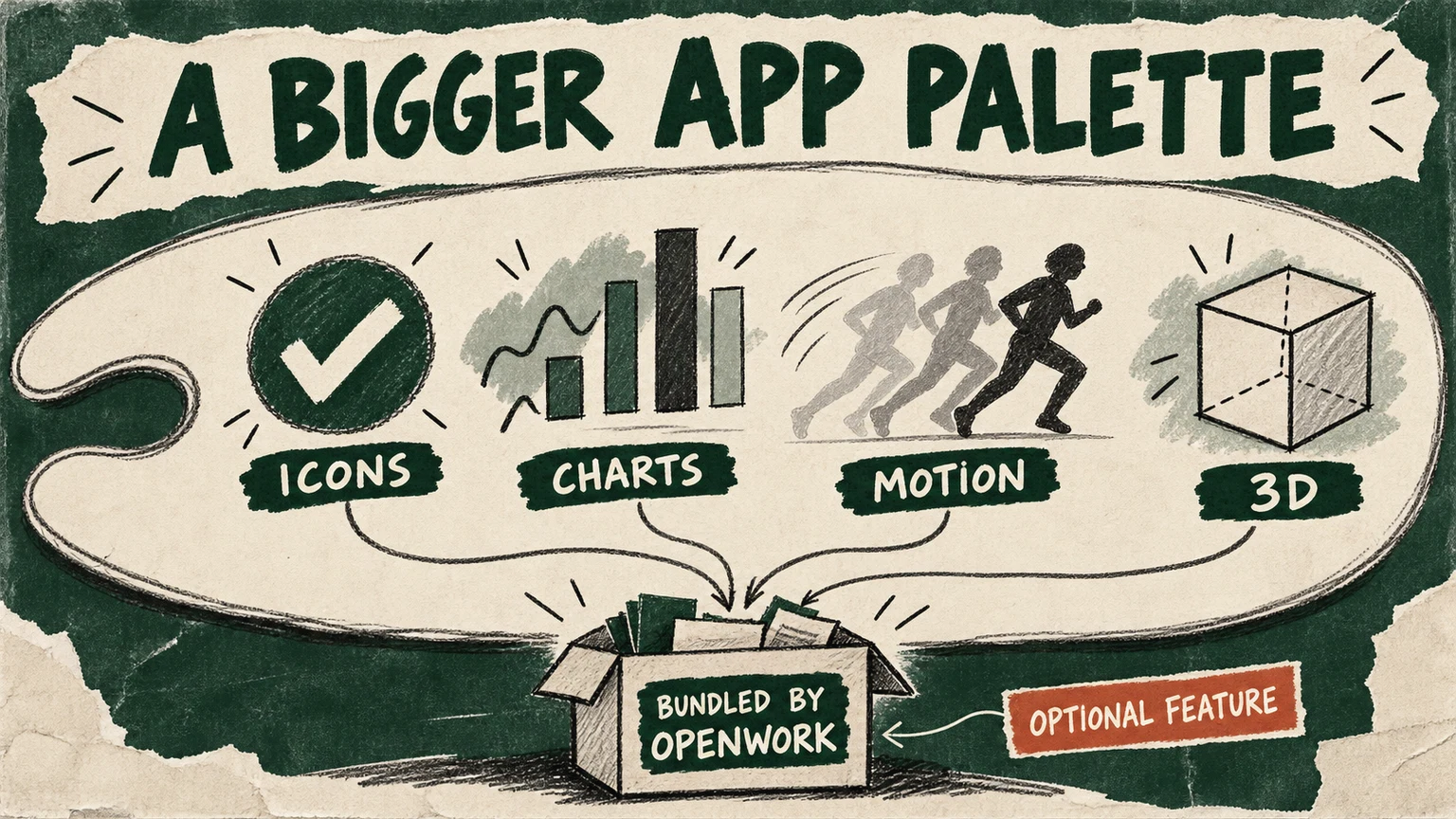
OpenWork added chart, icon, animation and 3D libraries to its generated apps in an October 24 commit to different-ai/openwork. These apps are small interfaces an agent builds inside OpenWork; the new part sits in their compiler, which packages approved library code alongside the app.
This is merged development code, not a broadly enabled release. The latest public v0.18.62 release inspected on October 25 does not contain the catalogue. The feature defaults off and requires changed server code, an updated desktop and administrator enablement.
Four additions to the app author’s palette
With the feature enabled, a generated OpenWork app can import these display libraries. OpenWork supplies the pinned versions.
Icons
lucide-react
Import individual icons by name.
Charts
recharts
Build charts with an allowed library.
Illustrative marks, not measured data.
Motion
motion/react
Animate interface elements.
Static echoes represent motion, not timing.
3D
three + OrbitControls
Build geometry in code; remote models and textures stay outside this catalogue.
Bundled into the app. Authors choose permitted imports; OpenWork supplies the library versions. No package install or CDN script is needed.
Two different connections. Direct web requests from the app’s frame remain blocked. The existing host-mediated tool connection remains available under its existing controls.
Availability: off by default. Requires administrator enablement, the changed server and an updated desktop host.
Editorial specimens, not a running OpenWork demonstration.
The platform supplies the paint
Previously, the app builder supplied React but refused package imports. An author could construct an interface from that environment, but could not simply reach for a charting package. The new catalogue opens a specific set of imports: Lucide icons, Recharts, Motion, and Three.js with OrbitControls. The author chooses what to use; OpenWork chooses the versions and supplies the code.
That distinction matters when the author is an agent. “Make this a chart” can become a supported library import instead of a request to hand-build drawing machinery. The same catalogue supplies the compiler’s rules, the preparation tool’s instructions and useful build errors. A package outside the list fails with guidance about the import to change. This is a concrete expansion of the building materials, not evidence that the resulting interface will be usable.
A richer display still uses the existing tool connection
The builder bundles selected dependencies into the app’s own script. It does not send the browser to a content delivery network to fetch them. Direct web connections from the app’s frame remain blocked; arbitrary package imports and remote 3D loaders are not unlocked by allowing Three.js.
The app can still work with data. Its existing runtime carries input, results and host context into the interface, with a host-mediated MCP tool connection. A chart therefore need not fetch its own remote data to display a tool’s result. The new catalogue changes the display layer, while tool access and approvals retain their existing controls.
The source tests cover permitted bundles, rejected imports, unchanged network policy and checks on elements rendered through library React calls. We inspected those tests and the implementation; we did not execute OpenWork or test a generated app in a browser. The package list alone is not a security boundary or a security audit.
The extra capability travels as extra bytes
Bundling has a visible cost. The project’s own examples put a basic app around 560 KiB of compiled HTML, a chart around 935 KiB and a Three.js scene around 1.1 MiB. These are repository-reported sizes, not our measurements or loading-time estimates. The new desktop reader accepts up to 1,536 KiB; the older 768 KiB limit can reject the larger apps.
There is also a useful distinction between preventing the next build and withdrawing one already published. The server checks the editor’s feature flag on each create or update. Switching libraries off refuses new builds that import them, but existing published revisions keep opening. A failed update leaves the last working revision in place. The switch controls publication; it does not recall code already served.
For teams choosing how much freedom to give generated interfaces, OpenWork now offers a practical middle ground: more visual vocabulary, with a small dependency set maintained by the platform. The next revealing example will be an enabled, released app that takes a real tool result through chart rendering and an update on a phone. That will test whether the larger palette makes the work easier to understand.