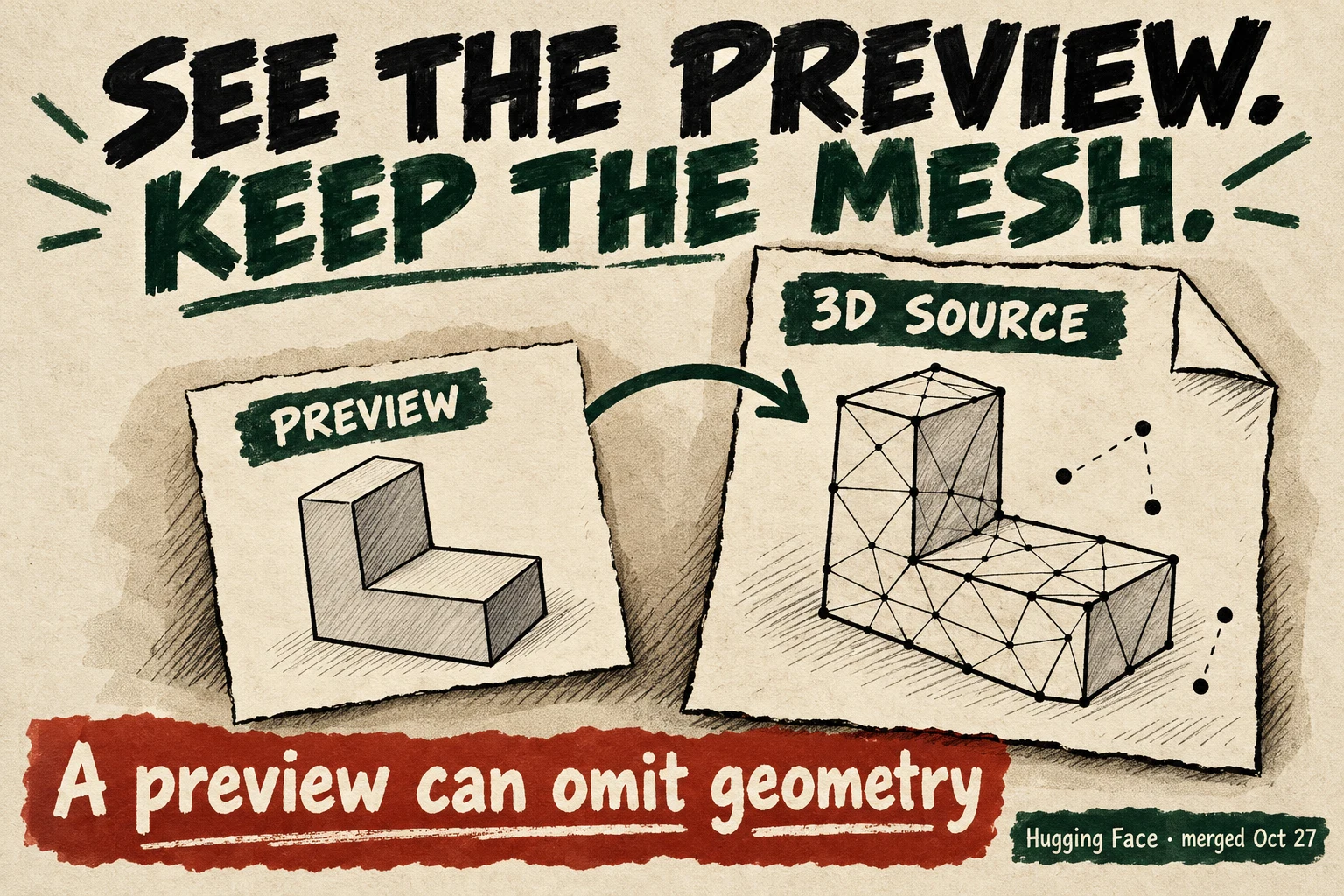
Hugging Face’s dataset viewer—the service that prepares rows for browsing on its data Hub—has added mesh previews in huggingface/dataset-viewer. A mesh describes a three-dimensional surface. The October 27 merge gives a supported mesh row both a thumbnail and a link to the 3D file, so a picture need not be the end of the inspection.
This closes a specific gap. Hugging Face’s Python datasets library added mesh loading in May. The new work is in the browsing backend: helping someone looking through training or simulation data move from a sample’s appearance to its actual asset. It is merged code; we have not independently verified its rollout on the live Hub.
A picture and its source
The preview stays flat. The source has another side.
This conceptual model explains the distinction. It is not Hugging Face’s interface, a dataset sample, or output from its renderer.
Move the slider to reveal the orange rear face. Only this illustrative source model rotates; the preview stays fixed.
The code’s limit: a mixed scene can produce a thumbnail while skipping point geometry. Its retained encoded source still includes those points. A scene with no renderable geometry raises an error; it does not get an empty preview.
The row carries two different things
The new mesh handler accepts encoded GLB, PLY, STL and OBJ files. It prepares a preview and returns a separate source address and file size. A browsing interface can use the picture for a quick look and fetch the mesh itself for closer inspection or download.
Where that mesh comes from matters. If the row contains encoded file bytes, the service stores those bytes alongside the thumbnail. If it points to a file in the same Hub dataset, the response links to that file and stores only the preview. An in-memory mesh or scene takes a third route: it is exported to GLB. That last path produces a file; it does not promise to preserve an earlier file byte for byte.
The renderer makes an 800-by-600 picture from a chosen camera view. It can skip geometry it cannot convert, including point clouds, while drawing the rest of a mixed scene. If nothing renderable remains, it raises an error. A successful thumbnail is therefore a useful sample of appearance, not a complete inventory of the file.
Keeping the source address separate is what makes that limitation workable. With an encoded mixed scene, the preview can leave points out while the stored file retains them. A researcher can go beyond what the picture shows instead of treating the picture as the dataset.
A “3D” label answers another question
A second change merged on October 27 expands the file extensions used to classify datasets as 3D. It adds OpenUSD variants, Blender, STEP and Gaussian-splat formats, among others. These names do not expand the mesh renderer’s four-format input list.
The distinction has practical stakes. In that pull request, the author reports NVIDIA SimReady datasets previously classified as images and a Robotiq SimReady collection classified as text; the added extensions give those examples a 3D label too. The files were already there. The correction makes the catalogue describe them more accurately.
For someone choosing assets for a simulated environment, finding the collection, previewing an individual item and loading its complete geometry are different jobs. A broader search label helps with the first. The new mesh response helps connect the second to the third. Neither establishes that an asset has the physics, annotations or quality a particular training task needs.
From a quick look to a checkable asset
The added test definitions check the four file types, a textured scene, byte-preserving storage and the mixed-geometry omission. We inspected the implementation and tests; we did not execute the renderer or measure a browsing session. Some rendering tests skip when the environment cannot provide the required graphics context.
The next useful check is a deployed dataset row whose preview and downloadable mesh can be compared with known source geometry, followed through a real asset-selection task. That would establish how the new route behaves beyond its implementation. For now, the gain is a concrete connection: a quick visual sample can lead back to the 3D object it only partly describes.