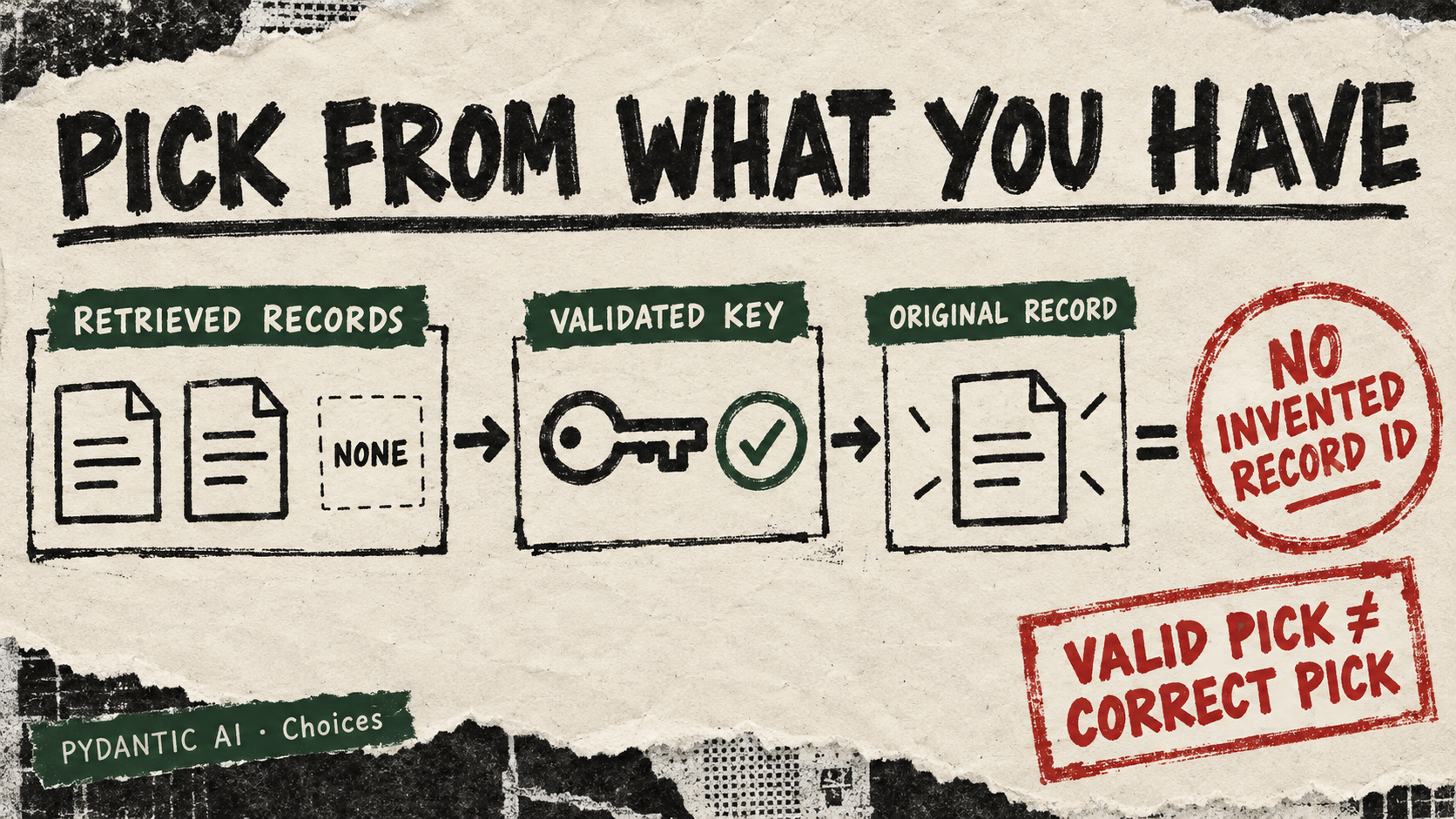
A search has returned five documents. You want an agent to choose one, not invent a sixth identifier or rewrite a record you already hold. Pydantic AI’s new Choices() API, merged September 19, gives that selection a finite, validated shape.
The provider here is the Pydantic AI Python library. Its public definition accepts keys with descriptions. Wrap an option in Choice(description, value=record) and a successful selection returns the application’s value instead of the key. The model sees the described options; it does not manufacture the returned object.
Try it: a citation tray for a reading assistant
Build the menu from the documents retrieved for the current question, using short titles and useful snippets as descriptions. Include a reserved “none” option when the set may contain no supporting evidence. This sketch uses two local records and returns a plain dictionary; model is the model already configured by your application.
from pydantic_ai import Agent, Choice, Choices

records = [
    {"id": "cookies", "title": "HTTP cookie storage rules"},
    {"id": "methods", "title": "HTTP request methods"},
]
options = {
    row["id"]: Choice(row["title"], value=row)
    for row in records
}
options["none"] = Choice("No supplied record supports the answer", value=None)
result = Agent(model, output_type=Choices(options)).run_sync(
    "Which supplied record should I inspect for cookie storage rules?"
)
selected_record = result.output
The added tests reject an invented option and demonstrate returning a supplied document object. That is a useful boundary against invented record IDs. It is not a relevance test: a model can select a valid record for the wrong reason. Show the chosen source to the reader and verify its contents before citing it.
Copy-paste agent instruction
Build a read-only citation picker with Pydantic AI Choices and Choice.
Check that the installed version exports both names; report the version.
Use a synthetic local document list with unique IDs, titles and snippets.
Reserve a collision-free none key and map it to None.
Map every other option to its original record with Choice(value=record).
Use FunctionModel first to test a valid key, an invented key and none.
Confirm that a valid pick returns the supplied record and an invented key fails.
Do not attach callable values or trigger external actions.
Then, only with configured provider access, try a live selection and
report relevance errors separately from schema-validation errors.
Access and test caveat
We inspected the source, examples and recorded provider tests; we did not run this sketch or make a live model request. Confirm package availability before trying it. A live provider test requires that provider’s configuration and may incur charges; the local FunctionModel checks can exercise the selection contract without one.
The documentation also permits callable choice values: selecting one executes it as final output. This example deliberately uses data values. A selection menu becomes a different responsibility once its entries can act. First establish that the right source comes back; only then decide what, if anything, a selection should be allowed to do.