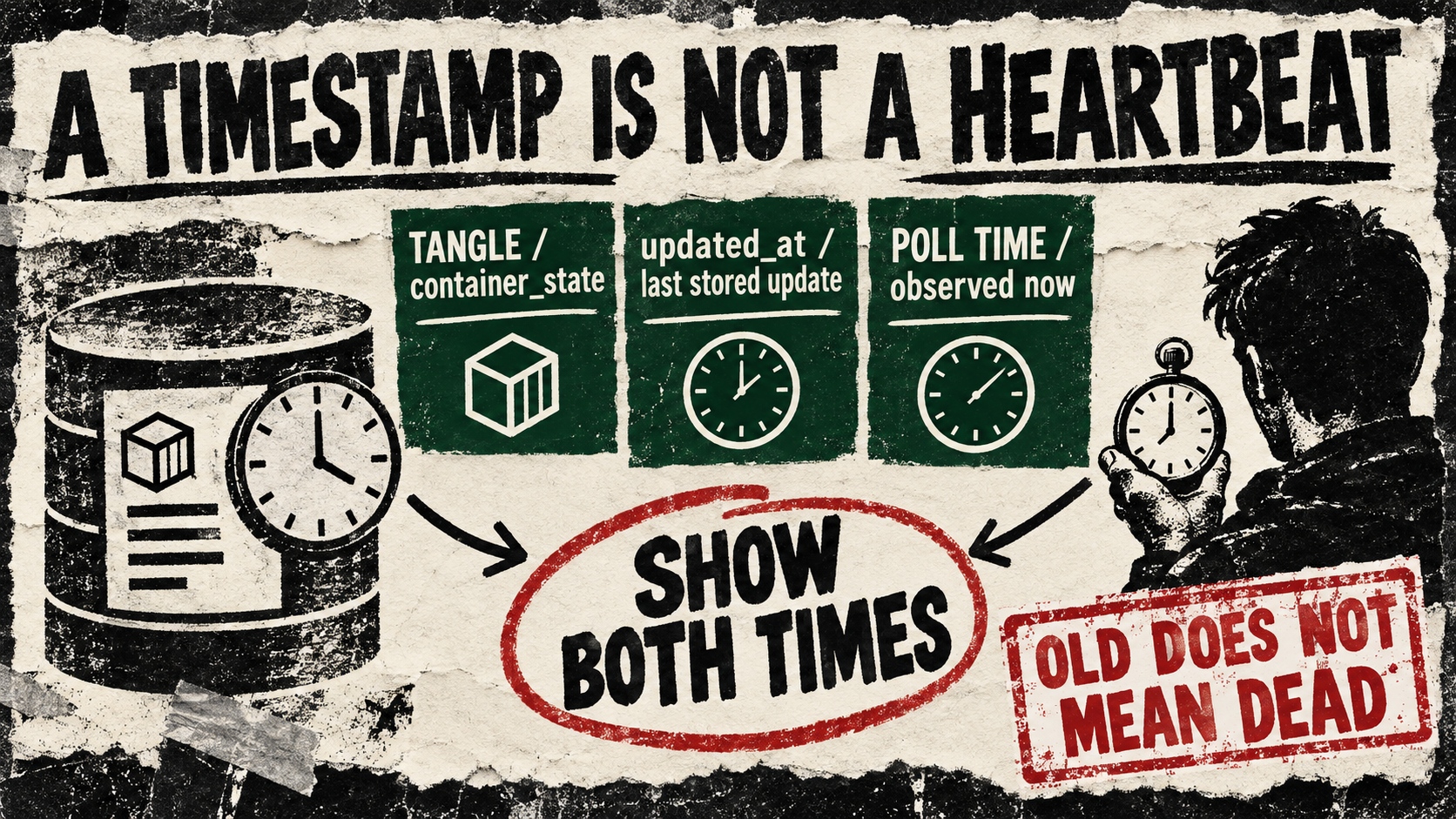
Tangle’s latest API change adds updated_at to container execution state. For a pipeline operator looking at a long-running task, that makes a useful new distinction possible: when the stored record changed, and when the dashboard last asked about it.
The public route definition is GET /api/executions/{id}/container_state. The identifier is an execution-node ID, not a container-execution ID. The service returns status and available timing fields from the underlying container record; optional fields may be absent from the JSON response.
A useful example: a run card with two clocks
For an authorized Tangle deployment, fetch one known execution node:
curl --fail-with-body --max-time 10 \
  "$TANGLE_BASE_URL/api/executions/$EXECUTION_NODE_ID/container_state"
Use the deployment’s required authentication through its approved client or credential mechanism. Show the returned status beside two labels: “Record updated” from updated_at, and “Checked” from the client’s successful observation time. If the timestamp is absent, show “unknown.” Keep a failed request visibly separate from the last successful observation.
The caveat comes from the orchestrator. It updates this timestamp when saved launcher data changes or status changes. An unchanged status with unchanged launcher data can return without advancing it. Age alone therefore cannot prove that a container stalled, that polling stopped, or that work is progressing.
Copy-paste agent instruction
Build a read-only Tangle execution card using
GET /api/executions/{execution_node_id}/container_state.
Use only my authorized deployment and a known execution-node ID.
Show status, returned updated_at, and client observation time separately.
Handle missing timestamps as unknown and request failures as failures.
Normalize explicit time-zone offsets; flag ambiguous timestamps.
Never infer job death or trigger a restart from updated_at age alone.
Test with unchanged running state, missing updated_at, a completed state,
and a failed request. Start with fixtures; ask before any mutating action.
Access and test caveat
This is a source-defined API change on Tangle’s master branch. This was a source inspection, not a live API test: we read the response, route and timestamp writer but did not query a hosted account or run a container. The repository’s local-install instructions use a stable branch, so that installation is not evidence that this new field is present. Verify the deployed schema and authentication before connecting the card. The example server entry point itself marks its admin identity as a placeholder requiring replacement for real multi-user use.
The useful next observation is a status transition alongside its record timestamp. Until then, an old clock deserves a label, not an automatic restart.