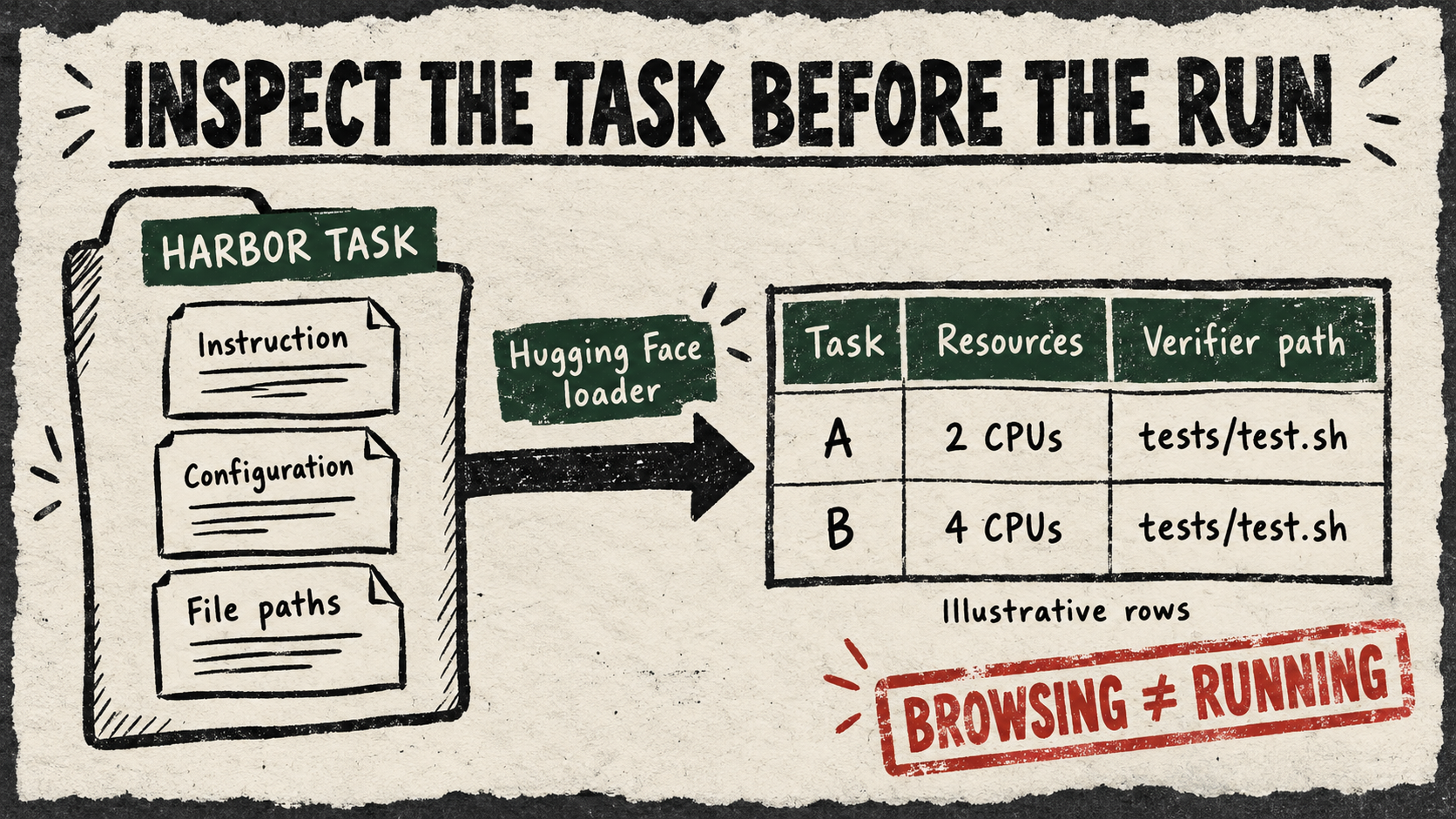
Hugging Face has added a way to browse an agent benchmark as a table of tasks. Two October 2 merges, in huggingface/datasets and huggingface/dataset-viewer, bring Harbor task directories into its normal dataset machinery. On October 3, the public Terminal Bench viewer displayed 66 rows; its data API returned the new task columns.
For a team deciding how to evaluate an agent, that offers a useful step before buying model calls and starting execution environments: inspect what the test actually asks for. A benchmark name or aggregate score can conceal very different workloads. A table puts their instructions and declared requirements within reach of the same tools people already use to select and examine datasets.
A task is more than a question
A Harbor task combines an instruction, an environment in which the agent works, and a verifier that judges the result. Those pieces live in a directory. The new loader documentation describes how that directory becomes one row, allowing ordinary dataset filtering and transformation without installing Harbor or running the task.
The row contains the instruction, task configuration, metadata, a list of files and the directory’s location. It is an index into an executable assignment. The loader reads the configuration and instruction; it does not build the environment, invoke an agent or execute the verifier.
One live example shows why the distinction is useful. The cad-model task declares two CPUs and 8192 MiB of memory. Its agent timeout is eight hours, while its separately configured verifier has a 240-second timeout. The public row also lists tests/test.sh and tests/test_outputs.py. A reader can identify the resource request, distinguish the two time budgets, and locate the next files to inspect.
Those are configured allowances, not measured runtime or a bill. And the file list contains paths, not the verifier’s contents. It helps someone find the acceptance test; it does not establish that the test correctly measures the instruction.
The consequential choice was the ordinary endpoint
The public development discussion exposes an alternative. On September 30, Ben Burtenshaw proposed a separate /environment-tasks endpoint. In the same thread, Quentin Lhoest suggested using the viewer’s existing /first-rows route, with one task per row and its instruction and file list included.
The October 2 changes implement that reusable route: the dataset library learns the format, and the viewer adopts the library revision. The separate endpoint proposal remained a draft when checked. This is evidence of a concrete architectural choice, not a claim that the other proposal was formally rejected.
Harbor tasks were already public. The improvement is how much work a reader needs to do to inspect them together. Instead of treating an evaluation environment as a special object that needs its own browsing system, this implementation brings it into the familiar dataset workflow. An evaluator can shortlist tasks by declared category or resources, then follow their source locations before deciding what to execute.
Read the assignment before trusting the result
The regression definitions cover nested task discovery, preserving configuration, listing files and streaming rows. We inspected those tests rather than executing them. Our unauthenticated API check returned 35 first rows with the expected nine columns; that verifies one live public dataset, not universal coverage or a particular downloadable library release.
We also did not run these benchmark tasks or audit their verifiers. The loader normally removes leading benchmark canary comments from displayed instructions, matching Harbor’s agent-input presentation; the original source remains the reference when exact file contents matter.
The next useful demonstration is small: choose a task from a pinned dataset revision, open the verifier, and compare its actual acceptance criteria with the advertised assignment. Today’s addition makes that investigation easier to begin. For buyers comparing agents, knowing which work a benchmark represents is part of choosing what its score should mean.